Git for beginners: Basic and essential Commands
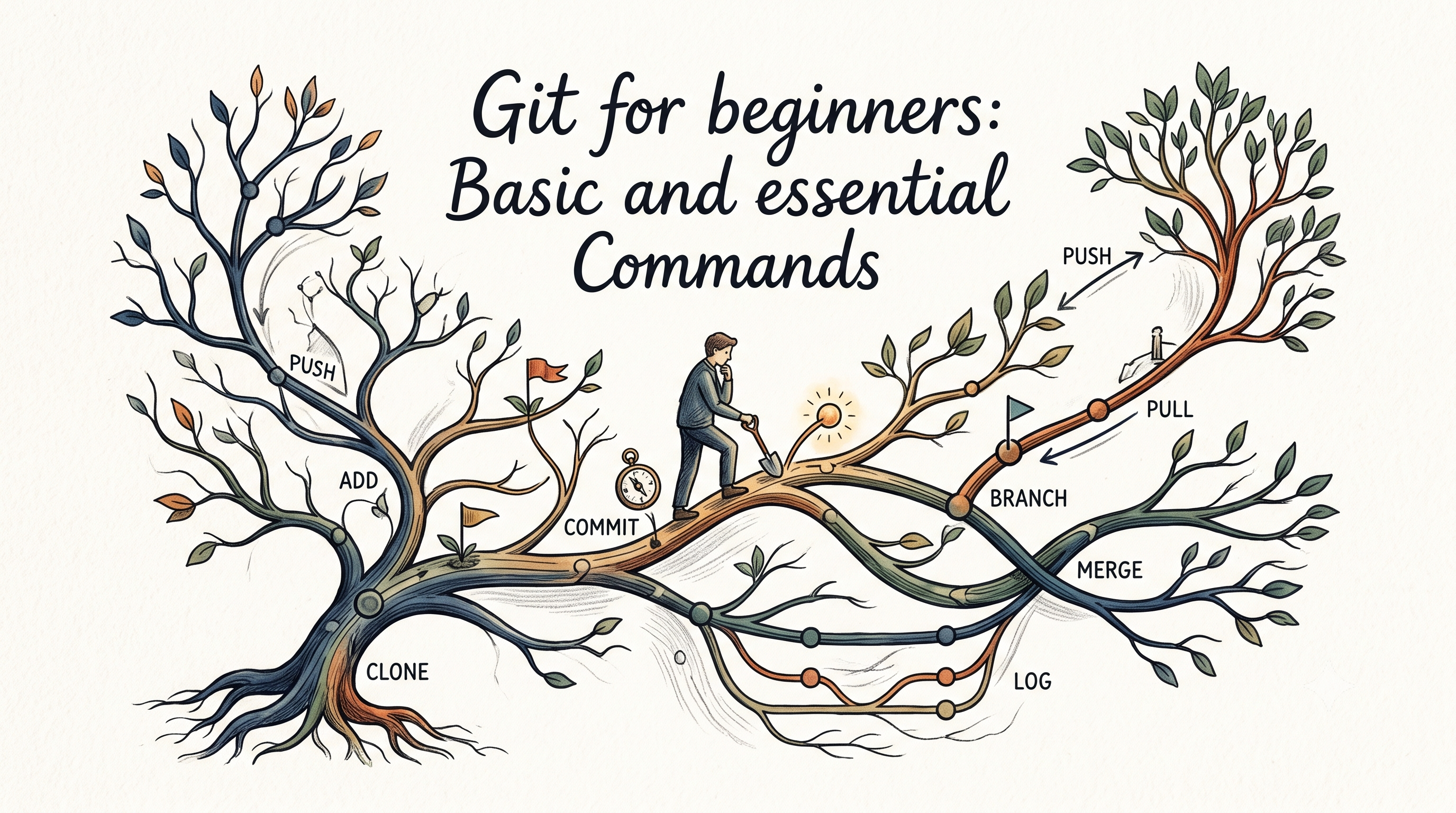
What is Git?
Git is a free open-source VCS(Version control system) that tracks the changes in our code file.
Why git is used?
Git tracks the the changes made by your team members so you are about the latest version/changes of code.
What is Github ?
It is a cloud server that hosts the git.
SOME BASIC GIT TERMINOLOGIES
Repository(Repo):
In simple words it is just a normal folder but for git & github we use the term "Repo"
Commit
It is like a taking screenshot of code and sending the code from staging area to .git/ directory.
Status
It tells about the current status of our changes made in code.
Staging Area
Staging area is like a temporary storage where all the changes are ready to go in .git/ directory.
Branch
This is the point where we get separated from the main path to other path.This is helpful when several people is working on a project if by any chance the previous code is changed we can see from here what is the previous version of this code also by this we can work or collaborate with other developers and can work together on multiple features at same time without any conflicts of commits.
Remote
It's meant that we connect it from distance which can be operated by anywhere.
Push
This is the thing where we push our code from staging area to server .git/ directory or to the repo created on github.
Pull
This is a feature by we can pull the code from the repository to directly to our local folders.
HEAD
It tell us that which is our latest commit in all the commits
Parent Pointer
In simple words we can say that "It is a metalink that every commit has which is pointing to the last commit in that branch".
Basic Git Commands
Here we learn about the the some basic commands of git. These are some necessary commands to saying to git “now tracks the changes” ,”now save the changes to staging area”,etc
Here are some commands:
git init (for initialising the git)
This is to initialize the .git/ folder in our project.
git add <filename>
This command is used for sending the changes of a particular file to the staging area.git add .
This cammand is used to send the changes to the staging area of whole project files
git status
This command is used for checking the current status of file it is in staging area or untracked or modified or nothing to commit.
git diff <file1hash> <file2hash>
This command is used to see the difference between the two commits using the hash of the both commits
git commit -m "commit message"
This command is used to save the changes in .git/ directory or it sends the changes to .git/ directory form the staging area.
git log
This command is used to see the history of commits
git log --oneline
This command is used to see the commits history in oneline.
git revert <hashofcommit> This command creates a new commit which is basicaly the revert of the commit which has is provided.
git reset --hard <hashofcommit> This command moves the HEAD to the hash and delete all the changes & commits those are forward the current HEAD commit.
Note: This command is irrversible
Comments
Join the discussionNo comments yet. Be the first to comment.